
Office Gear & Computer Accessories
Build a better desk by starting with the work you do most: typing, spreadsheets, calls, quiet focus, gaming after hours, or travel.
The live office guides currently cover keyboards, mice, and wireless earbuds. We keep the path practical by linking only to published pages and avoiding unsupported electronics specs.
Office buying guides
Each guide compares five or six researched picks, with the trade-off behind every one.



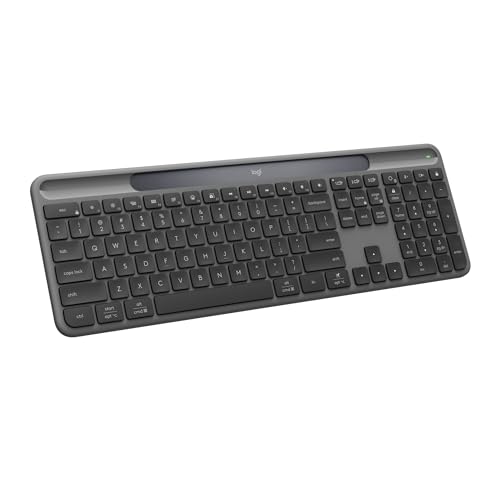

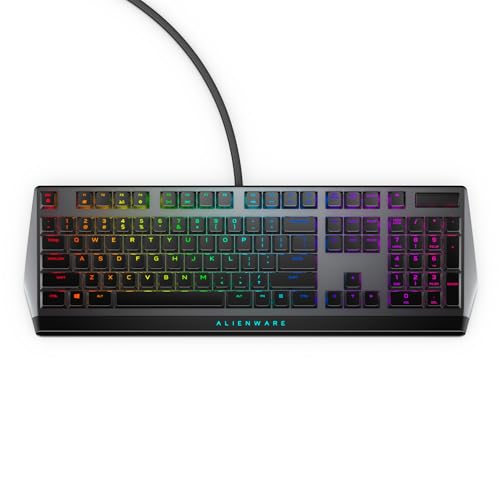
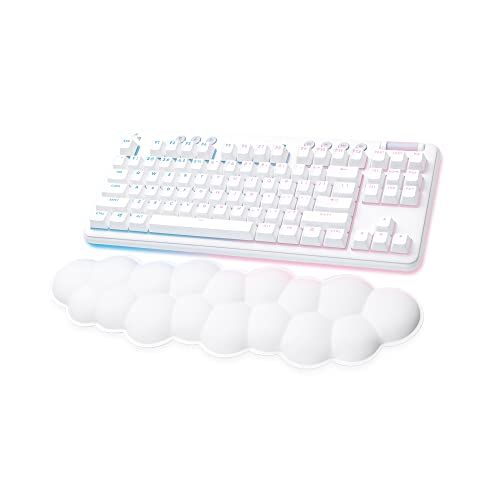


Start here: choose by work style
Spreadsheet and admin work
Start with full-size keyboards if a number pad matters more than reclaiming mouse space.
Small desk or gaming after work
A compact keyboard plus a mouse matched to your grip can open up more desk space.
Calls and focus time
Wireless earbuds belong in the office path when call quality, fit, and ANC matter for workdays.
Ergonomic setup
Match keyboard layout, mouse shape, and audio comfort to the hours you actually spend at the desk.
Travel work kit
Prioritize compact peripherals and earbuds that are easy to pack, pair, and replace if needed.
Budget desk refresh
Upgrade the input device that slows you down first: keyboard, mouse, or call audio.
Browse office categories
Computer Accessories & Peripherals
Keyboards and mice organized by typing work, gaming, desk size, and ergonomic fit.
Calls & Mobile Audio
Wireless earbuds and phone-adjacent accessories for calls, quiet work, commuting, and travel.
What to check before you buy
- Compatibility: Confirm operating system, connection type, and device switching needs before buying.
- Desk space: Keyboard layout and mouse movement area should match the surface you actually use.
- Comfort: Long workdays make weight, shape, key feel, earbud fit, and noise isolation more important than flashy extras.
- Replacement cost: Consider cables, dongles, ear tips, batteries, and warranties for heavily used gear.